The GeoID Network
Collaboration, peer review and mentoring, built around the work. Reading is open to everyone. One free GeoID account lets you post, message and join. Your email address is never shown to anyone.
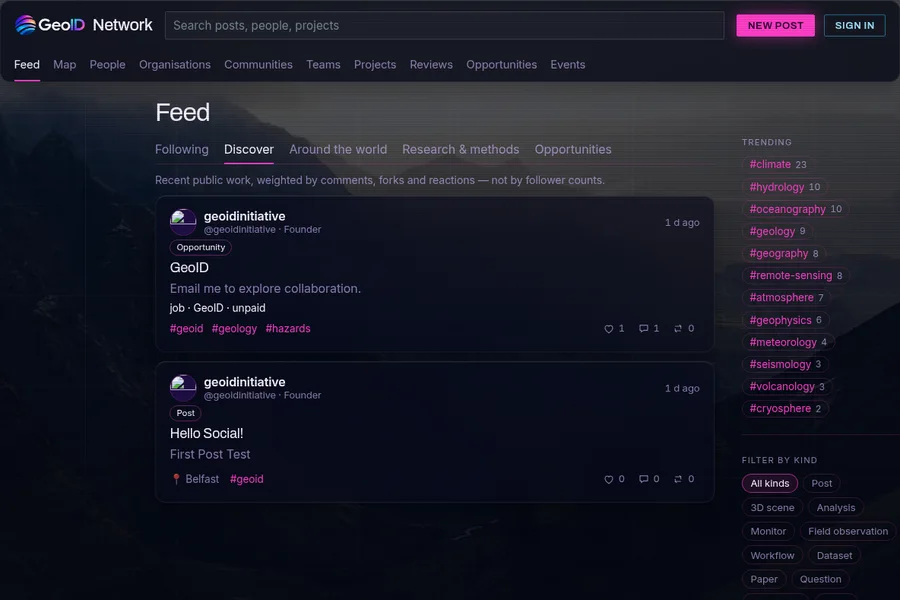
Social, Discovery and Signal
The Network has three parts. Each one opens on its own, and each links to the other two.
Social
Members, posts, study areas, teams and published studies.
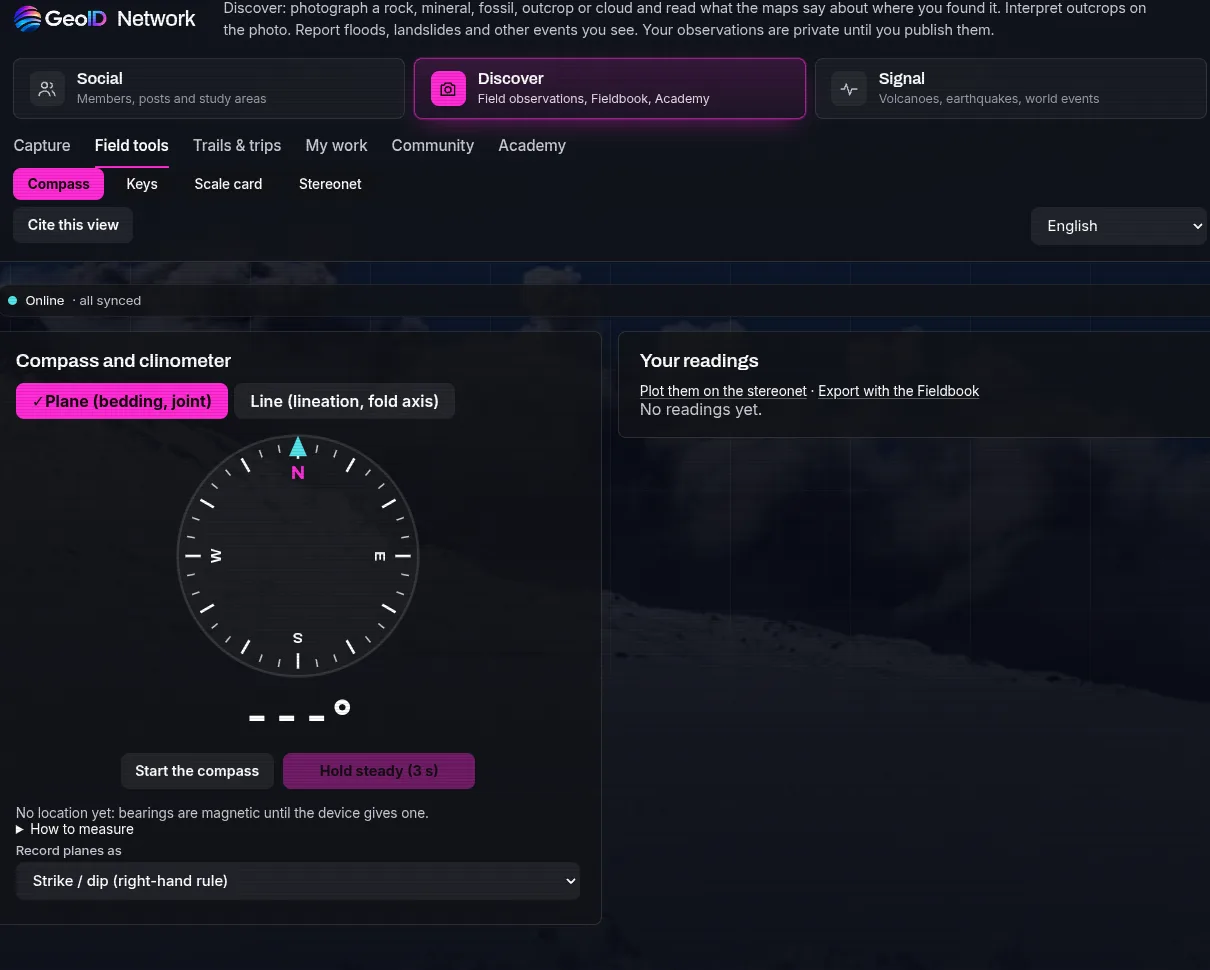
Discovery
Field observations, field tools, trails and the Academy.
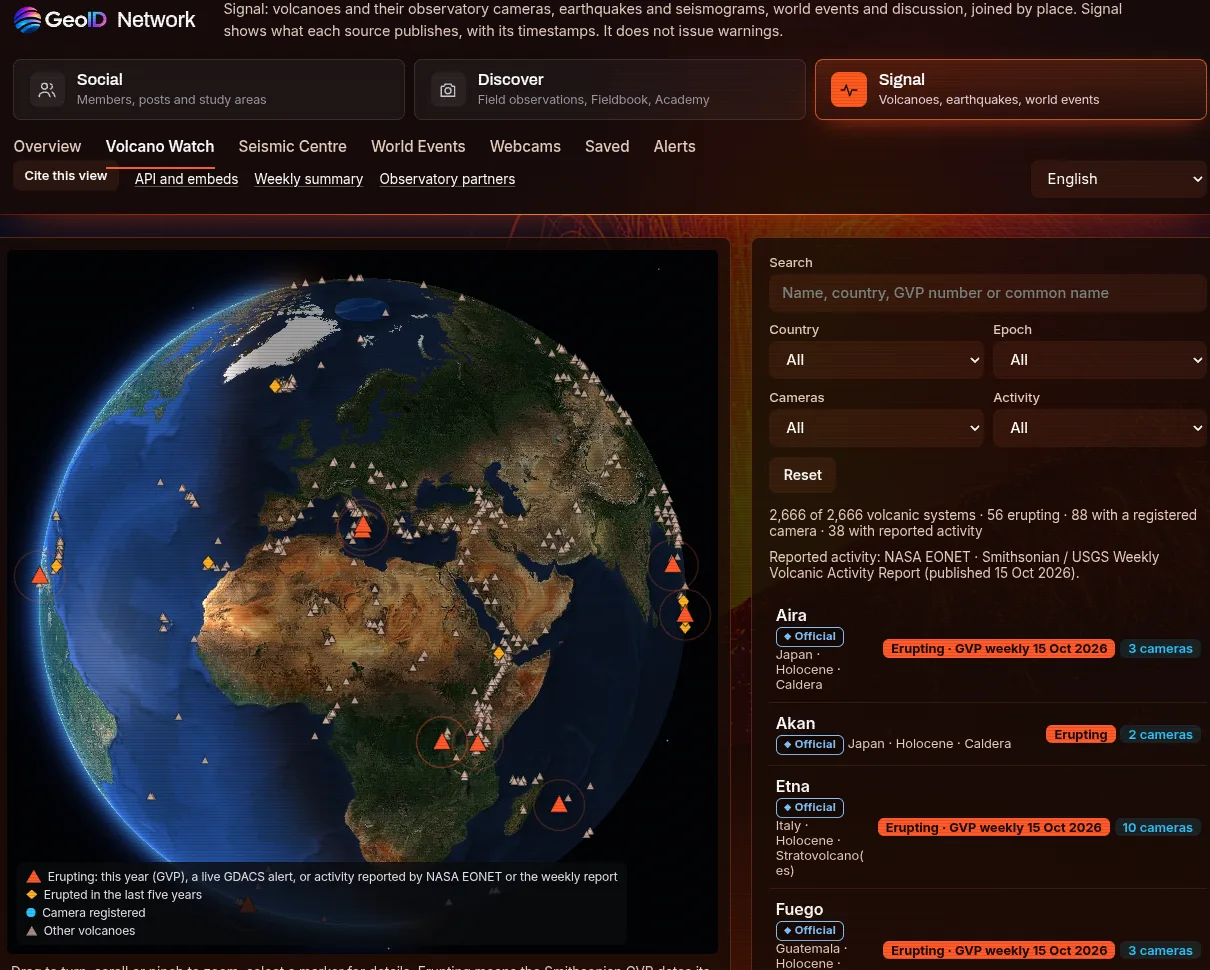
Signal
Volcanoes, earthquakes and world events, as the sources report them.
One account for everything
One GeoID account signs you in to Social, Discovery and Signal. The same sign-in carries your membership. The Network itself is free; no membership is needed.
Why GeoID has a network of its own
A hazard map that can be challenged needs a place to challenge it. General social networks reward reach. The GeoID Network is built around the work: the scene, the method and the people who know the ground.
- Share the work, not a picture of it. A shared 3D scene opens as you left it, with its layers, camera and parameters. A reader can check it instead of trusting a screenshot.
- Say what kind of claim it is. You label every post observed, derived, modelled, forecast or AI-assisted. People who know the place can confirm or dispute a field observation.
- Ranked by discussion, not followers. The feed weights comments, forks and reactions. A large account’s weak analysis does not bury a student’s good one.
- Review before you submit. Ask for peer review of a draft. See who works on the same ground on the study-area map.
- Teams and projects. Give a colleague or a team access to a GeoHUB project. Find jobs, grants, studentships and consultancy.
Your data stays at its source or on your own disk.
Mentoring and peer review
The Network is where learning becomes collaboration. Reading is open. Posting, messaging, joining teams and asking for mentoring need a GeoID account.
Find a mentor
- Mentors opt inA member switches on “I’m open to mentoring” and lists topics. They appear under People › Mentors, with a badge.
- You ask“Ask for mentoring” takes a topic and a message of up to 2,000 characters.
- They chooseThe mentor accepts or declines, and you can withdraw. An accepted request opens a conversation.
- Either can end itEach request shows its state: requested, active, declined, withdrawn or ended.
Office hours offer short slots you can book: fifteen minutes with someone who has done the thing. Only the two people in the slot see the booking details.
Ask for review
- RequestSend a draft to named reviewers, a team, a community or anyone willing.
- Comment in placeComments attach to a place in the draft and carry a severity.
- RecommendEach reviewer recommends accept, minor, major or reject. Volunteers can join open requests.
- Get creditHelp given counts on the helper’s profile. Feedback rounds give a printable reviewer record.
Feedback rounds cover abstracts, CVs, cover letters and mock interviews. Help requests ask a specialist to check a method or a model.
Studies you can fork
A GeoHUB study is kept as a record you can repeat: sources and licences, code, checks, versions, forks and reruns. “Fork in GeoHUB” opens your own copy.
Teams and communities
Teams have leads, editors, members and viewers, a task board and chat. Communities are forums with rules, FAQs, resources and events. Classes run in Discovery.
Agreed terms
Before your first post, you agree to the Terms, the Code of conduct, the Privacy notice and the Disclaimer. Community reports are badged as such. They never replace official warnings.
Photo credits
- ISS-46 Northern India at night · NASA · Public domain
- Lava Sampling (16368518133) · U.S. Geological Survey from Reston, VA, USA · Public domain
- Photographs resized and cropped for this page; licences as listed on each Wikimedia Commons file page.