The GeoID app
Get the GeoID app
The GeoID app puts the Network on your phone or computer. It is free, and you install it from your browser.
Three steps, no app store
Open the Network in your browser and add it to your device. It gets its own icon and opens in its own window.
iPhone
- Open the Network in Safari.
- Tap the Share button.
- Tap Add to Home Screen, then Add.
Open it from the home screen and sign in there. Notifications need iOS 16.4 or later.
Android
- Open the Network in Chrome.
- Tap the ⋮ menu.
- Tap Install app. If Chrome offers a choice, pick Install, not Create shortcut.
Open it from your home screen. It isn't on Google Play yet.
Computer
- Open the Network in Chrome or Edge.
- Click the install icon at the end of the address bar.
- Click Install.
It opens in its own window, with its own place in your dock or taskbar.
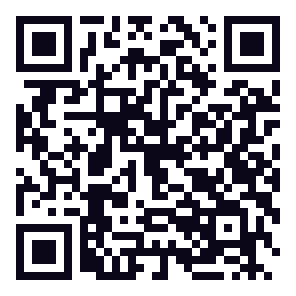
Reading this on a computer?Scan this with your phone. The Network opens with the install steps at the top of the screen.
The whole Network, in your pocket
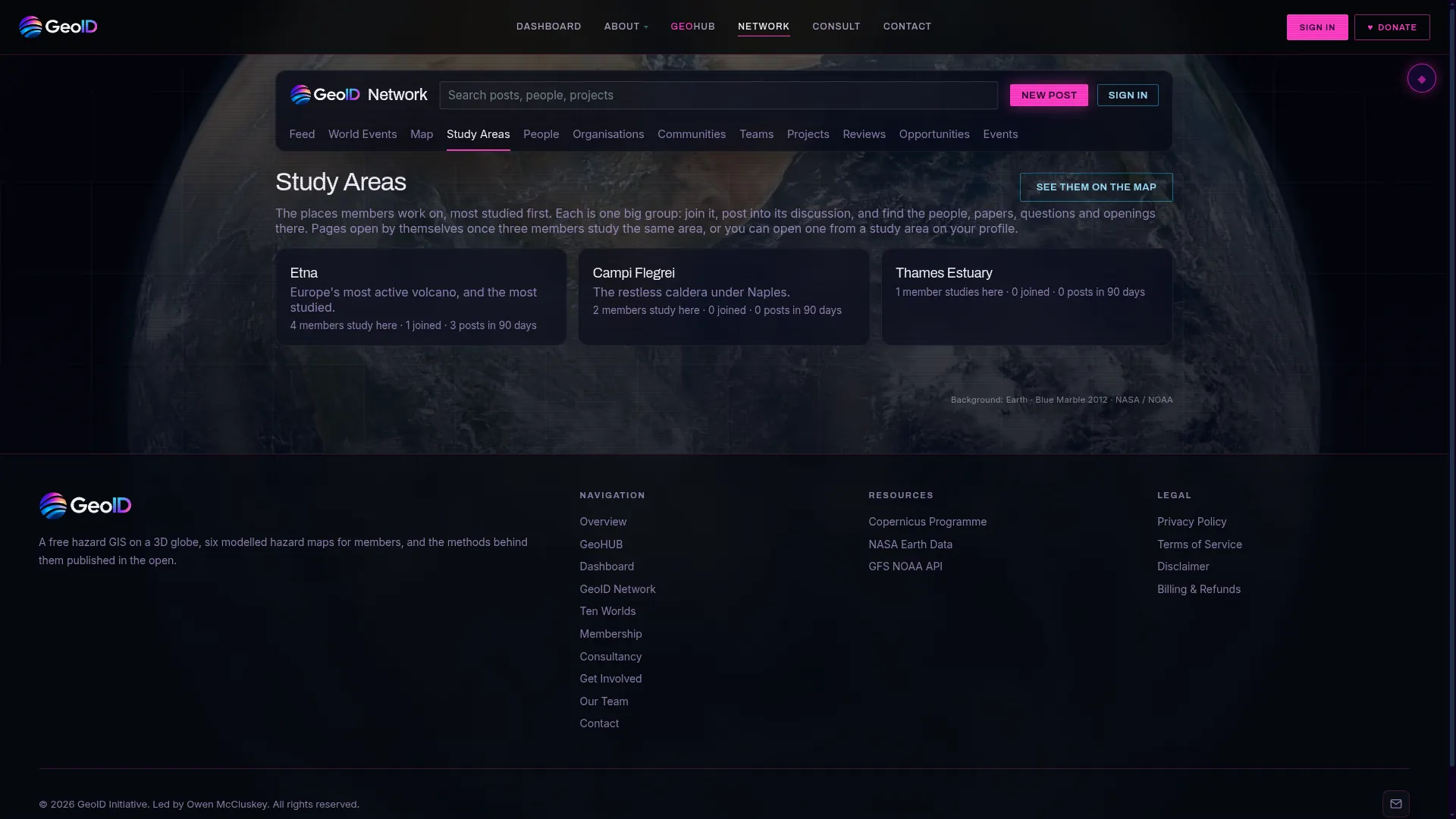
You get everything on the Network, laid out for a phone, one tap from your home screen.
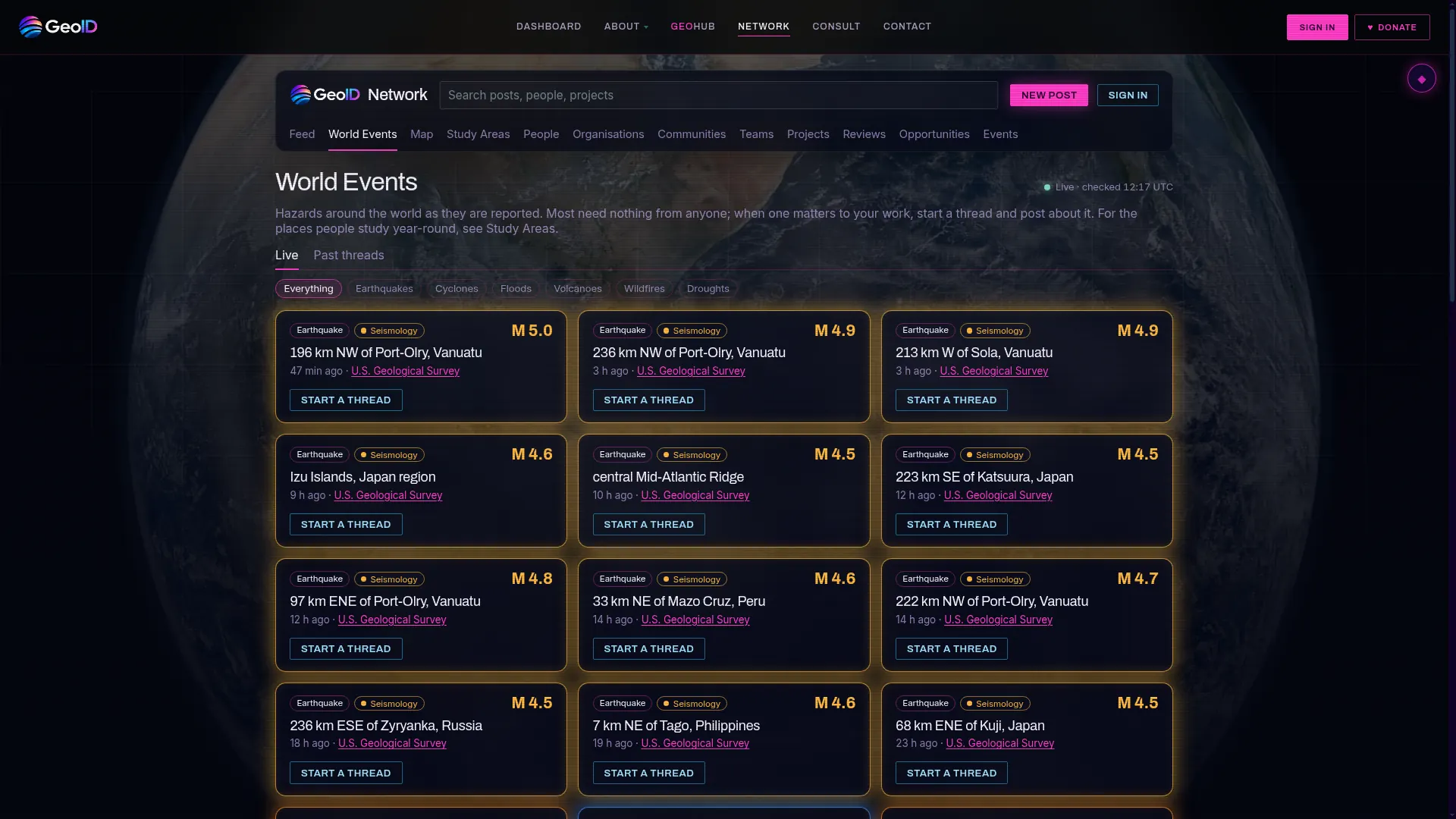
- World Events. Live hazards from USGS and GDACS, with a thread when one matters to your work.
- Study Areas. One shared group for each place people work on.
- Notifications. Replies, reviews and mentoring reach your device once you turn them on in Settings.
- GeoHUB stays in the browser. The 3D globe and flight simulators open there, where they have the memory they need.